How to Optimize Google Business Profile for Local Lead Generation

Optimizing your Google Business Profile can be the single most effective move you make for local lead generation. When done right, it puts your business front and center in Maps, local search results, and AI-powered answer boxes, driving calls, bookings, and visits from customers who are ready to buy.
In this guide you will get a practical, step-by-step plan to optimize How to Optimize Google Business Profile for Local Lead Generation, convert profile views into qualified leads, and track what's actually working for your business.
Why Google Business Profile matters for local lead generation
People searching with commercial intent often find and contact businesses directly from the Google Business Profile. A fully optimized profile increases visibility in local packs, improves chances of being surfaced by AI search assistants, and converts passive searches into direct leads. Here’s the thing, optimizing a profile is not a one-time task, it is continuous small wins — photos, posts, and reviews — that add up.
Quick checklist to prepare before you start
- Claim and verify your profile if you haven't already. Verification is nonnegotiable.
- Gather accurate business details: official business name, address, phone, and website.
- Prepare 6-12 high-quality photos and one logo. Use a mix of interior, exterior, staff, and product/service shots.
- Collect recent customer reviews and a list of common questions customers ask.
Step-by-step optimization plan
1. Claim, verify, and secure the listing
- Claim your profile in Google Business Profile Manager and complete verification. Without verification you lose control and features.
- Add a second owner (trusted staff) for redundancy.
2. Perfect your core business information (NAP+W)
- Use the exact business name as your storefront and official listings. Avoid keyword stuffing in the name.
- Ensure NAP (name, address, phone) consistency across your website, local directories, and citations.
- Add the correct website URL and primary landing page for the service or location you want to drive leads to.
3. Choose the right categories and services
- Primary category should be the most specific match for your main offer, for example "Dental Clinic" or "Real Estate Agent." Secondary categories are allowed and useful.
- Add Services or Products with clear descriptions and prices or price ranges when appropriate.
4. Craft a conversion-focused business description
- Write a concise 150-300 word description that explains who you help, what you do, and why you are different. Include local keywords naturally.
- Mention service areas and specialties, for example Scottsdale cosmetic dentistry or Phoenix property management.
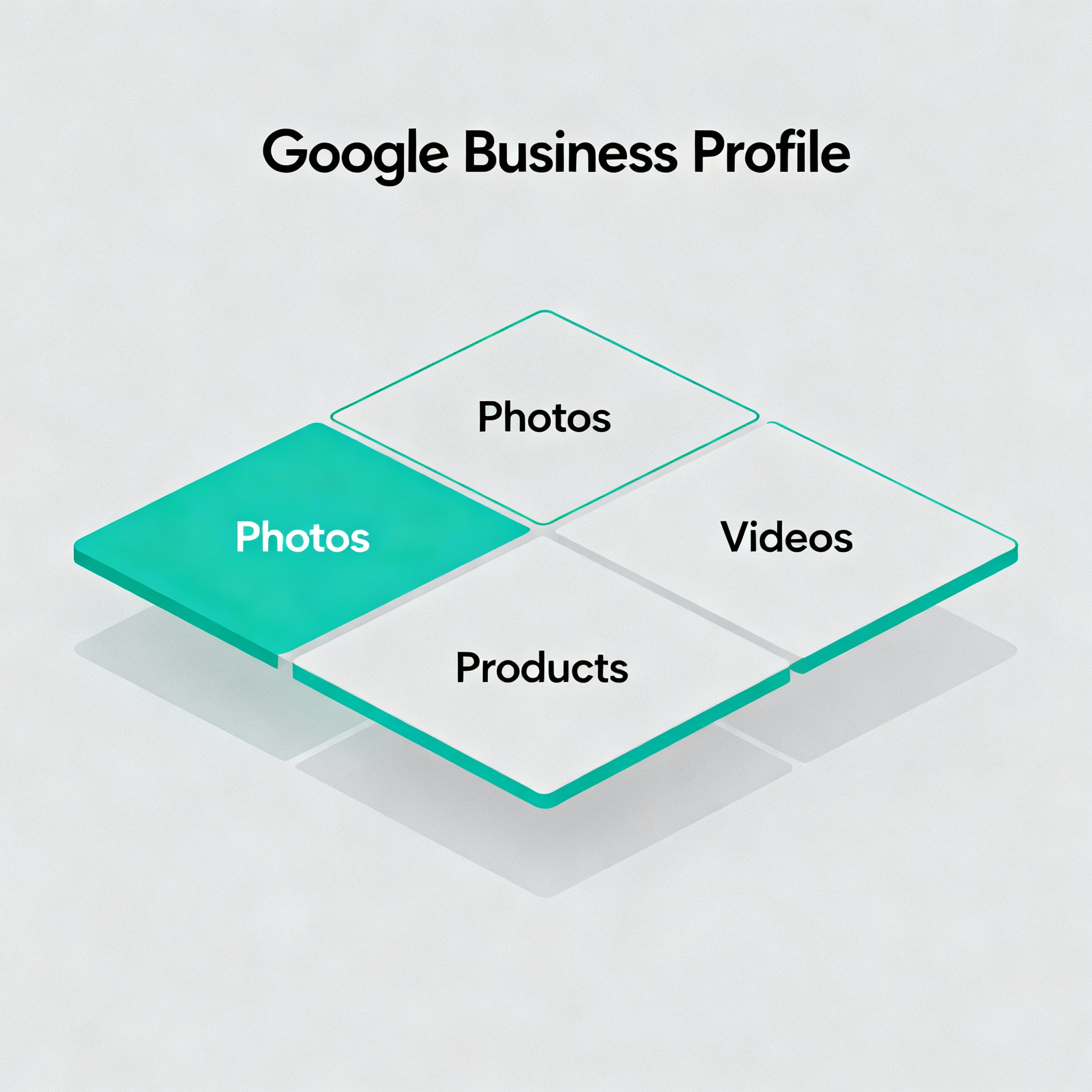
5. Use photos, video, and visual content strategically
- Upload a professional exterior photo, interior, team photo, and 3-5 service or product images.
- Add a short 15-30 second video introducing your space or team.
- Update visuals seasonally to show activity and freshness.
6. Activate Google Posts and special offers
- Use Google Posts to promote events, offers, and new services. Include a clear CTA like "Book Now" or "Call Today."
- Pin seasonal promotions and limited-time offers to create urgency.
7. Manage and respond to reviews like a conversion funnel
- Ask for reviews after service using direct links. Respond to every review promptly and professionally.
- Use review replies to answer questions, provide next steps, and include subtle CTAs for contact or booking.
8. Use Q and A proactively
- Seed your own Q&A with common buyer questions and model the right answer, then upvote your answers so they appear first.
- Monitor and answer community questions within 24 hours.
9. Enable messaging, bookings, and lead capture features
- Turn on messaging if you can respond quickly, or use a virtual receptionist.
- Enable online booking if your business accepts appointments and link to your booking page or a Google-integrated scheduler.
10. Leverage attributes and service areas
- Add accurate attributes like "wheelchair accessible," "online appointments," or "women-led."
- Use Service Area settings for businesses that travel to customers rather than listing multiple addresses.
11. Track calls, direction requests, and website clicks
- Use UTM parameters on your website link to segment traffic from your profile.
- Use Google’s built-in Insights regularly and consider call-tracking numbers when accuracy matters.
12. Tie GBP optimization to your website and local SEO
- Add LocalBusiness schema to your website and ensure service pages align with the services listed in your profile.
- Create local landing pages that match search intent and link them from your profile website field when appropriate.
Advanced tips for higher conversions
- Use geo-targeted offers and Google Ads Local Campaigns to amplify top-performing locations. Learn more about our Google Ads Management services to scale local lead generation at https://bemodesign.com/google-ads-management-company-in-scottsdale/.
- For multiple locations, use location groups and consistent workflows for photo, review, and post updates.
- Use AI to generate localized post ideas and short descriptions, then human-edit for accuracy and voice. Bemo Design’s GEO AI SEO services help scale this process: https://bemodesign.com/geo-ai-seo-services/.
Measuring success: KPIs that matter
- Phone calls and message starts from the profile
- Clicks to website and direction requests
- Conversions on landing pages (bookings, contact form fills)
- New reviews and average rating
- Local ranking improvements for target keywords
Local examples and use cases
- Dental practices: Add service-specific pages for cosmetic dentistry and link them from the profile, keep before/after photos current, and ask for review after appointments.
- Real estate agents: List service areas and property types, post open house events, and enable booking for consults.
Summary
Optimizing a Google Business Profile is high-impact and low-cost. Focus on accurate information, great visuals, active posting, review management, and measurable CTAs. Small, consistent updates increase visibility and produce real local leads.
Frequently Asked Questions
How long until I see leads after optimizing my profile?
Most businesses see increased activity in days to weeks for calls and clicks, but local ranking improvements can take 2-8 weeks depending on competition and consistency.
Should I put keywords in my business name?
No, avoid keyword-stuffed names. Use your official business name and rely on categories, services, and description to include keywords naturally.
How important are reviews for lead generation?
Very important. Reviews build trust and influence both local ranking and click-through rates. Aim for quality and recency, and respond to every review.
Can I use my website link for multiple service pages?
Yes. Use UTM parameters to track which service page visitors came from, and update the website link when promoting time-sensitive offers.
What is the best way to collect reviews?
Ask at point of service, send a short follow-up SMS or email with the review link, and make it easy by giving step-by-step instructions.
Do I need a separate Google Business Profile for each location?
Yes. Each physical location should have its own verified profile to maximize visibility in local searches and maps.
Get a free audit and consultation
Ready to convert more local searches into customers? Run a Free AI SEO Audit or schedule a free marketing consultation with Bemo Design. 📞 Call (480) 600-2477 or Book a Call with Bemo. Learn how our SEO Services and Web Design in Scottsdale can increase local leads: https://bemodesign.com/seo-services-in-scottsdale/.
Structured Data (JSON-LD)
{
  "@context": "https://schema.org",
  "@type": "Article",
  "headline": "How to Optimize Google Business Profile for Local Lead Generation",
  "description": "Step-by-step guide to optimize your Google Business Profile, convert profile views into local leads, and track results for small and mid-sized businesses.",
  "author": {
    "@type": "Organization",
    "name": "Bemo Design",
    "url": "https://bemodesign.com/"
  },
  "publisher": {
    "@type": "Organization",
    "name": "Bemo Design",
    "logo": {
      "@type": "ImageObject",
      "url": "https://bemodesign.com/wp-content/uploads/logo.png"
    }
  },
  "datePublished": "2025-11-03",
  "mainEntity": {
    "@type": "FAQPage",
    "mainEntity": [
      {
        "@type": "Question",
        "name": "How long until I see leads after optimizing my profile?",
        "acceptedAnswer": { "@type": "Answer", "text": "Most businesses see increased activity in days to weeks, with ranking improvements taking 2-8 weeks." }
      },
      {
        "@type": "Question",
        "name": "Should I put keywords in my business name?",
        "acceptedAnswer": { "@type": "Answer", "text": "Avoid keyword-stuffed names. Use categories, services, and description for keywords instead." }
      }
    ]
  }
}
About Bemo Design
Bemo Design is a Scottsdale-based marketing agency led by Brian Bemo, delivering high-impact SEO, Google Ads, and AI-powered marketing strategies for businesses of all sizes. With over 25 years of experience, Bemo Design helps companies grow through trusted, hands-on service, transparent communication, and measurable results.
We specialize in helping Arizona businesses dominate online search and future-proof their visibility across Google, Bing, and AI-driven platforms like ChatGPT and Google SGE.
Our Top Services:
- https://bemodesign.com/seo-services-in-scottsdale/
- https://bemodesign.com/geo-ai-seo-services/
- https://bemodesign.com/google-ads-management-company-in-scottsdale/
- https://bemodesign.com/scottsdale-web-design-company/
- https://bemodesign.com/scottsdale-website-redesign/
- https://bemodesign.com/logo-design-company-in-scottsdale-corporate-identity-branding/
- https://bemodesign.com/graphic-design-company-in-scottsdale-print-logo-design/
Ready to Grow?
📞 Call (480) 600-2477 or Book a Call with Bemo to get started.
You can also run a Free AI SEO Audit to see how your website ranks and what opportunities you’re missing.