Why Is My Business Not Showing on Google Maps? 9 Proven Fixes
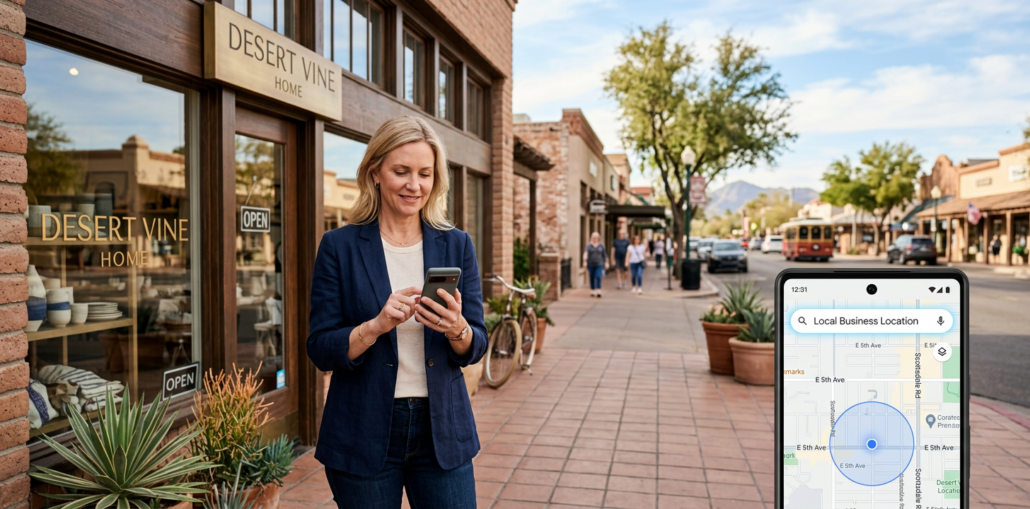
When a customer searches for your service in Google Maps and your competitors appear while your company does not, it can feel like your business has disappeared. In most cases, the problem is not one mysterious penalty. It is a mix of profile status, incorrect details, local competition, weak trust signals, or a mismatch between what customers search for and what Google understands about your company.
If you are asking why is my business not showing on Google Maps, start by separating a true visibility problem from a ranking problem. Your profile may be live when someone looks up your exact business name, but still fail to appear for high-value searches such as “Scottsdale dentist,” “Phoenix roofing company,” or “estate planning attorney near me.” Those are very different problems, and they require different fixes.
First, Identify the Type of Google Maps Problem
Before changing categories, adding keywords, or asking for more reviews, test your listing in a way that gives you a useful answer. Search Google Maps while logged out or in a private browser window, then run these three checks.
| What You Search | What It Means | Likely Issue | Best Next Move |
|---|---|---|---|
| Business name and city | Profile does not appear | Verification, suspension, duplicate | Check account status |
| Business name appears | Profile is live | Local ranking issue | Improve relevance and authority |
| Service plus city | Competitors appear first | Weak relevance or prominence | Audit profile and website |
| Address on map | Pin is wrong or missing | Address or service-area issue | Correct location details |
Google explains that local results are mainly based on relevance, distance, and prominence. In plain English, Google wants to show a business that closely matches the search, is reasonably near the searcher, and has earned enough real-world trust to deserve visibility. Read Google’s own local ranking guidance before relying on shortcuts or gimmicks.
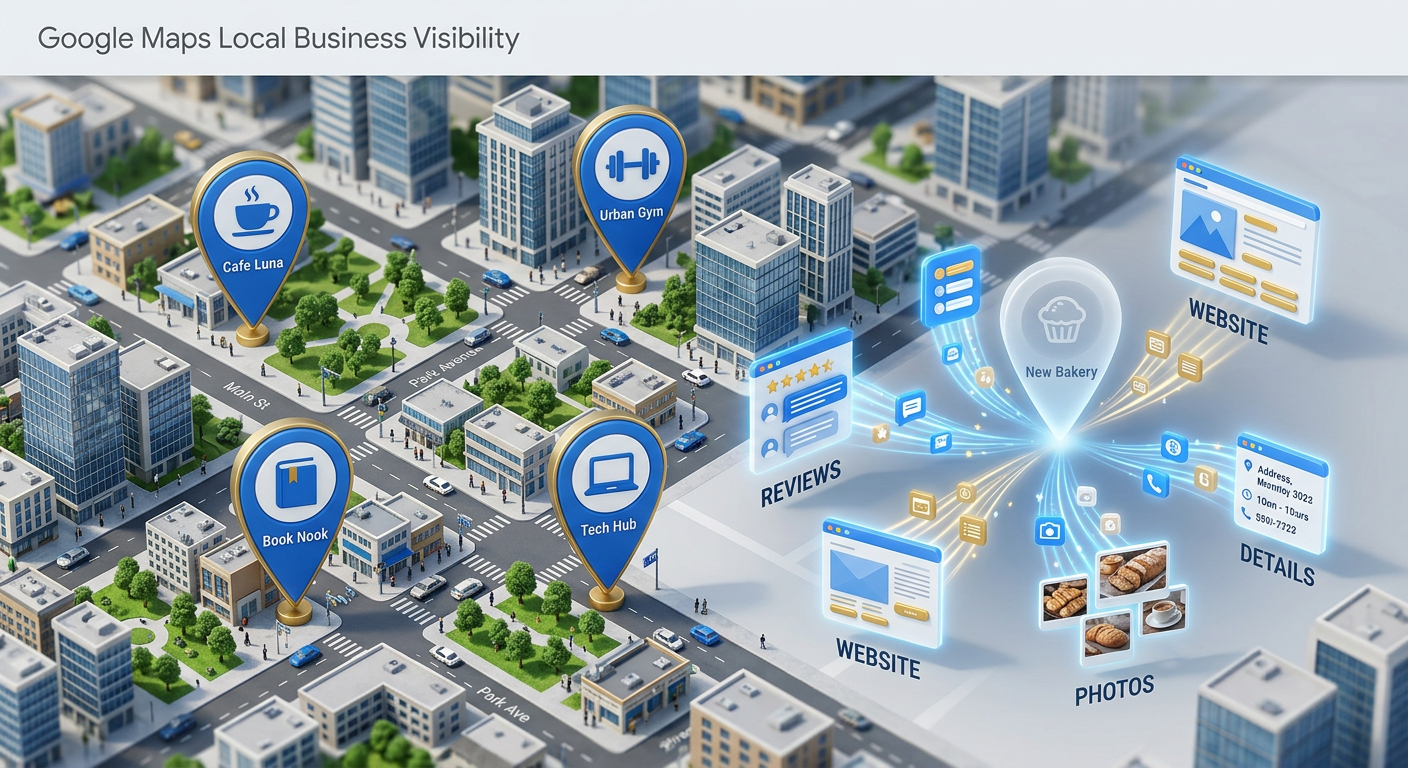
1. Your Google Business Profile Is Not Verified or Is Under Review
A Google Business Profile that is unverified, pending, or limited by a review process may not display publicly as expected. Log into the Google account that manages your profile and check the status first. If Google requests verification, complete the method provided rather than repeatedly changing the listing.
Verification proves that you are authorized to represent the business. Google states that verified, complete profiles are more likely to show for relevant local searches. If you have never claimed your listing, follow Google’s official claim or add a Business Profile process.
For new businesses, patience matters. Major edits to the name, address, category, or ownership can also trigger additional review time. Keep documentation ready and avoid creating a replacement profile while the original is being reviewed.
2. Your Listing Has Been Suspended, Disabled, or Filtered
A suspension is different from a low ranking. When a profile is suspended, it may vanish from Maps, stop appearing in branded searches, or lose the ability to accept updates. Google may take action when business information conflicts with its policies, including an inaccurate name, duplicate profile, misleading address, or ineligible virtual office.
We often see this with businesses that add cities, services, or promotional claims into their name field. Your profile name should match the name customers see on your legal materials, signage, website, and branding. Google’s business representation guidelines also state that one business should generally have one profile.
Do not create duplicate listings to solve a suspension. It usually creates a bigger cleanup job. Review the notification in your Business Profile dashboard, correct the underlying problem, and use the appropriate reinstatement path.
3. Your Business Information Is Incomplete or Inconsistent
Google needs clear, consistent details to match your company with the right searches. An incomplete profile creates uncertainty, especially when your website, Apple Maps listing, directories, and Google Business Profile show different names, phone numbers, hours, or addresses.
Start with the fundamentals:
- Use your real business name, without added keywords.
- Select the most accurate primary category for your core service.
- Add a precise address or proper service area.
- Confirm your phone number, website URL, hours, holiday hours, and appointment links.
- Write a helpful description that explains what you do and who you serve.
- Add each legitimate service in the services section.
For service-area businesses such as plumbers, attorneys who travel, mobile providers, and home service companies, do not publish a residential address customers cannot visit. Set the profile up honestly for the way the business operates.
4. Your Primary Category Does Not Match What People Search For
Your primary category is one of the clearest signals Google uses to understand your company. If you are a cosmetic dentist but use a broad category that does not fit your main service, Google may struggle to match you with the searches that bring in profitable appointments.
Choose the category that best represents the primary operation, not every service you want to rank for. Then use secondary categories only when they accurately describe established parts of your business. A law firm, medical practice, contractor, or multi-location company should also support those choices with service pages on its website.
Here’s the thing: categories are not a substitute for a strong website. Your Google Business Profile and site should tell the same story about your services, locations, experience, and ideal customers. That alignment is a core part of a durable Scottsdale SEO strategy.
5. You Are Visible, but You Are Not Ranking in the Local Results
Many owners say their listing is missing when it is actually ranking too low to see. Test this by searching your exact business name and city. If the profile appears, it is likely published. The focus should shift from fixing existence to improving local map rankings.
Distance is part of the equation, and no one can honestly guarantee a top Maps result across an entire metro area. A Scottsdale company may perform well near North Scottsdale and less well in central Phoenix because the searcher’s location changes the results.
What you can improve is relevance and prominence. Build location-specific service pages, keep profile information current, earn legitimate reviews, publish useful local content, and make sure the site answers the questions customers ask before they call.
6. Your Website Does Not Reinforce Your Local Relevance
A Google Business Profile cannot carry your entire local marketing strategy. Google also evaluates signals from the wider web, including your website and the information it finds about your company elsewhere.
Your website should make it easy to confirm:
- Your primary services and specialties
- The areas you serve
- Your business name, address, and phone number
- Real customer proof and review opportunities
- Location-specific service pages where appropriate
- Clear ways to call, schedule, request a quote, or book an appointment
For example, a Phoenix HVAC company needs more than a generic homepage. It needs clear pages that explain its repair, installation, maintenance, emergency service, financing, and service-area capabilities. A professional service firm needs the same clarity around its practice areas and office locations.
If the site is slow, confusing, thin on service information, or built without a local conversion path, Maps visibility can produce fewer leads than it should. That is why Google Maps work is most effective when it connects to local SEO, technical website health, and conversion-focused design.
7. Your Reviews Are Too Few, Too Old, or Not Being Managed
Reviews are not a magic ranking button, but they influence trust, customer decisions, and Google’s understanding of your reputation. BrightLocal’s Local Consumer Review Survey reports that 74 percent of consumers consider reviews from the past three months relevant to their decisions. That makes a steady, honest review process more valuable than a one-time burst.
Ask satisfied customers for feedback after a completed service, visit, or project. Make the request simple, do not pressure people for a positive rating, and never buy reviews. Respond professionally to both positive and negative feedback, especially when a response can clarify the situation for future customers.
A well-run review strategy also gives you language customers use to describe their needs. Those phrases can improve your service pages, FAQs, and Google Business Profile content.
8. Duplicate Profiles Are Splitting Your Authority
Duplicate listings can confuse customers and divide the signals that should strengthen one main profile. This is common after a move, rebrand, ownership change, office relocation, merger, or an old agency setup.
Search your business name, old phone number, previous addresses, and common name variations in Google Maps. Look for outdated pins, practitioner listings, old suite numbers, or duplicate service-area profiles. Do not assume a listing is harmless because it has no recent activity.
When you find a duplicate, document it and work through Google’s suggested ownership, removal, or merge options. The right solution depends on whether the duplicate represents the same active business, a former location, or an unrelated company with similar information.
9. Your Competitors Have Built Stronger Local Trust Signals
Sometimes your setup is technically correct, but your competitors have done a better job of proving they are established and relevant. They may have more useful service pages, stronger local links, consistent information across trusted platforms, more recent reviews, better photos, and a profile that accurately reflects their work.
This is where a disciplined audit matters. We compare your profile and website with the businesses that consistently appear for the searches that drive calls and appointments. Then we prioritize the gaps that are actually holding you back instead of spending months on low-impact tasks.
Want a practical view of where your profile is falling behind? Use Bemo Design’s free local SEO, Google Maps, and AI audit to identify local visibility issues, competitive gaps, and opportunities to improve your lead flow.
A Practical Google Maps Recovery Plan
We recommend handling the work in this order so you do not optimize a profile that has a basic status problem.
Confirm that the listing is live
Search for the exact business name and city while logged out. Check your dashboard for verification, suspension, ownership, and policy notices. If the business cannot be found by name, fix that status issue before focusing on rankings.
Clean up your core information
Confirm the business name, category, address or service area, phone number, website, business hours, and map pin. Make sure the same information appears consistently on your website and major business listings.
Improve what Google and customers can understand
Add accurate services, quality photos, a useful description, current hours, and legitimate booking or contact links. Then improve the relevant service and location pages on your site.
Build a sustainable review process
Ask consistently after real customer interactions. Respond to feedback, learn from it, and use customer language to strengthen your profile and website content.
Measure results by search area and lead quality
Do not judge success from one search at your own office. Check visibility across the areas that matter, track calls and form submissions, and focus on the services that produce profitable leads.
Frequently Asked Questions
Why does my business show up when I search the name but not the service?
Your profile is probably live, but it is not ranking strongly enough for category or service searches. Improve category accuracy, service information, website relevance, reviews, and local authority rather than trying to create another profile.
How long does it take for a new business to appear on Google Maps?
Timing varies based on verification, profile review, and the completeness of your information. Once the profile is verified, avoid repeated major edits and monitor the dashboard for any messages from Google.
Can I rank on Google Maps in cities where I do not have an office?
You may appear for some searches outside your immediate location, especially when your relevance and reputation are strong. However, proximity remains important, so a service area setting does not guarantee visibility throughout every nearby city.
Does adding more keywords to my business name improve Google Maps rankings?
No. Adding services, cities, or marketing phrases to a business name that does not match your real-world branding can violate Google’s guidelines and put the profile at risk. Put service details in the appropriate profile fields and on your website instead.
Do Google reviews help my business show on Maps?
Reviews can support customer trust and local prominence, especially when they are recent, authentic, and thoughtfully managed. They should be part of a complete local strategy, not the only tactic you use.
Why did my Google Maps ranking suddenly drop?
Rankings can change when competitors improve, searcher location shifts, categories or profile data change, reviews slow down, or Google updates how it evaluates local results. Start with an audit of your profile status, recent changes, website health, and competitor activity.
Find the Problem Before It Costs You More Leads
Google Maps visibility is not about tricks. It is about giving Google and potential customers consistent, trustworthy evidence that your business is the right match for a local need. Once we identify whether the issue is verification, compliance, relevance, distance, or reputation, the path forward becomes much clearer.
At Bemo Design, we help established local companies, professional firms, medical practices, home service businesses, and growth-focused brands improve how they appear across Google Search, Google Maps, and AI-driven answers. If your profile is live but not producing the calls or appointments it should, book a free strategy call or call (480) 600-2477.
The Bottom Line
Your business may not be showing on Google Maps because it is unverified, suspended, incomplete, poorly categorized, duplicated, or simply outranked by better-established competitors. We recommend starting with the basic profile status, then improving the alignment between your Business Profile, website, reviews, and local service information.
The strongest Maps results come from an accurate foundation and ongoing work, not a one-time optimization. When your business is easy for Google to understand and easy for customers to trust, you are far more likely to earn the visibility that turns searches into leads.
About Bemo Design
Bemo Design is a Scottsdale-based SEO, AI search, Google Ads, local SEO, and digital marketing company led by Brian Bemo. With more than 25 years of experience, we help businesses improve visibility across Google Search, Google Maps, Google Business Profile, ChatGPT, Google AI, Gemini, Claude, Perplexity, Bing, and other AI search platforms.
Our strategy combines traditional SEO, GEO AI SEO and AI search optimization, Google Business Profile improvement, Google Maps visibility, reviews, content, structured data, authority building, Google Ads, and conversion-focused web design.
The goal is simple: help businesses get found, trusted, recommended, and chosen, then turn that visibility into real calls, leads, appointments, and customers.
Explore Bemo Design's AI Search Resources
See How Your Business Is Performing
Run a Free AI SEO and Website Audit
Run a Free Local SEO, Google Maps, and AI Audit
Ready to Get More Leads?
Call (480) 600-2477