How to Fix a Slow Dental Website: Speed Tips for Dental Practices
!
How to Fix a Slow Dental Website: Quick Wins
If your site feels like molasses on a Monday morning, you are not alone. Small to mid-sized businesses, professional service providers, and established brands looking to grow through SEO, AI-powered search optimization, and Google Ads management often hit the same wall: a slow website that kills visibility and leads. For dental and medical practices, real estate firms, and local service businesses in Scottsdale, Phoenix, and across Maricopa County, speed equals patient trust and conversions. how to fix a slow dental website starts with measurement, but it ends with better patient experiences and more bookings.
Table of Contents
- Quick checklist, what to measure first
- Tools to run now
- Technical fixes that move the needle
- Content and UX fixes that improve perceived speed
- Ongoing monitoring and process
- FAQ
- Next step for your practice
Quick Checklist: First Things to Measure
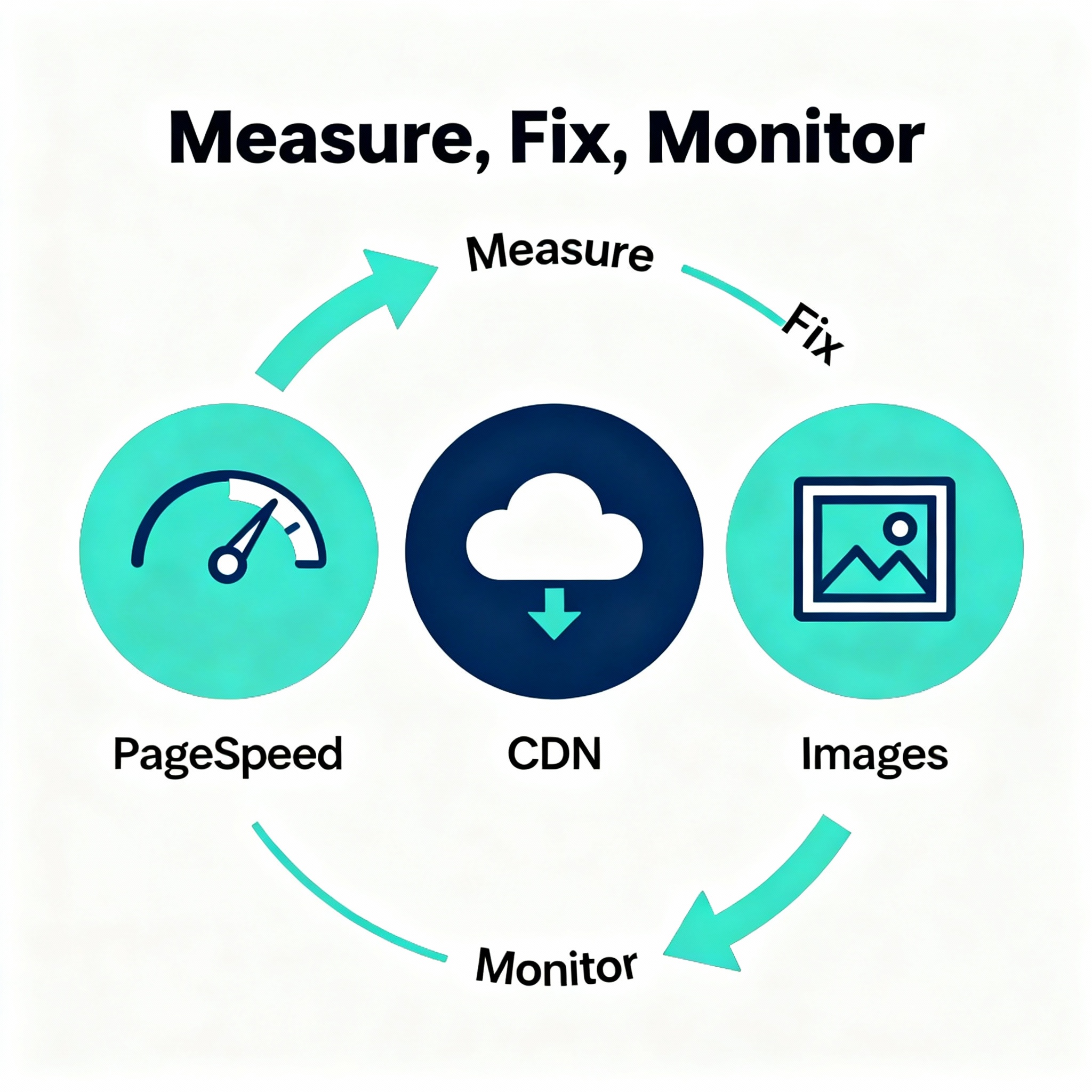
Run a baseline test
- Use PageSpeed Insights to see Core Web Vitals and field data. PageSpeed Insights documentation is the canonical place to learn what each metric means.
- Capture a lab test with Lighthouse in Chrome DevTools for diagnostics. See the Lighthouse guide for how it works. Lighthouse docs.
- Run one synthetic test on WebPageTest for a waterfall and video, and one real-user check for trends with GTmetrix or your analytics. WebPageTest and GTmetrix.
Why this matters: Google treats Core Web Vitals as page experience signals, which can affect search visibility and ad quality. Learn more on Google Search Central about Core Web Vitals. Core Web Vitals guide.
Tools to Run Right Now
- PageSpeed Insights, for field data and Lighthouse lab scores. PageSpeed Insights
- Lighthouse in Chrome DevTools, for targeted audits. Lighthouse
- WebPageTest for waterfall, filmstrip, and geographic testing. WebPageTest
- GTmetrix for easy historic tracking and waterfall analysis. GTmetrix
Pro tip: Run tests from Arizona or a nearby region to mimic patient traffic, and test mobile first, since most local search is mobile-heavy.
Technical Fixes That Move the Needle
1) Optimize hosting and use a CDN
- Move to a managed host tuned for WordPress or your CMS, with fast PHP workers and NVMe storage.
- Put static assets behind a CDN to cut latency for patients across Maricopa County and beyond.
Why it helps: Hosting and CDNs reduce Time To First Byte and speed delivery of images and scripts.
2) Reduce Largest Contentful Paint (LCP)
- Serve a meaningful, fast first paint by optimizing hero images and critical CSS.
- Ensure server response times are under 200 ms where possible.
Quick wins:
- Inline critical CSS for above-the-fold content only.
- Defer noncritical scripts and use async for analytics tags.
3) Cut render-blocking JavaScript and CSS
- Audit plugins and remove unused plugins or scripts. Third-party tags add weight and main-thread blocking. The PageSpeed report flags these.
- Combine and minify CSS, but avoid breaking dynamic elements.
4) Optimize images and media
- Convert to modern formats like WebP or AVIF where supported.
- Use responsive srcset so smaller devices get smaller files.
- Lazy-load below-the-fold media, but not LCP images.
5) Implement caching and efficient headers
- Use server-side page caching and set long cache lifetimes for static assets.
- Enable gzip or Brotli compression to shrink transfer size.
6) Trim third-party and tracking code
- Audit every tag in your tag manager. Remove duplicates and old marketing pixels.
- Load marketing pixels conditionally, for example after a user interaction.
Content and UX Fixes That Improve Perceived Speed
Prioritize visible content
- Simplify the homepage hero for faster perceived load. If your practice uses a large rotating banner, consider a single hero image or a lightweight animated SVG.
- Show skeleton UI or progressive rendering so users see structure immediately.
Reduce page complexity for booking flows
- Keep appointment booking forms on one or two steps. Each extra step kills conversions.
- Use client-side validation and avoid full page reloads where possible.
Convert heavy pages into trimmed, faster landing pages
- Create lightweight service landing pages for paid ads and local search, optimized for performance and conversions.
Process: How to Keep Speed From Regressing
- Add performance checks to your release checklist and pre-deploy tests in staging.
- Schedule monthly audits with PageSpeed and WebPageTest, and set alerts for Core Web Vitals drops.
- Use Lighthouse CI or automated tests to catch regressions before they reach production.
Common Objections and Realities
Here is the thing, clinics worry that speed fixes will break design or functionality, or cost a lot. Real talk: many improvements are low-cost. Image conversion, lazy-loading, and trimming plugins are often free. Advanced changes like moving hosting or refactoring JS cost more, but they pay off in higher bookings and lower ad spend waste.
Mini case example: A Scottsdale dental practice reduced homepage size by 65 percent, moved images to WebP, and configured a CDN. Result, LCP dropped from 5.2s to 1.9s, appointment form completions increased by 22 percent in two months.
FAQ
Q: How fast should my dental site load?
Aim for LCP under 2.5 seconds, INP under 200 ms, and CLS under 0.1 for best-in-class experience, matching Google Core Web Vitals guidance. See Google's Core Web Vitals documentation for thresholds. Core Web Vitals
Q: Which fixes are quickest and cheapest?
Optimize images, enable compression, add caching, and remove unused plugins or third-party tags. These are high-impact, low-cost moves.
Q: Will speeding up my site help SEO and Google Ads?
Yes. Speed improves user experience, which can influence organic rankings and ad quality scores, lowering cost per click and improving conversion rates.
Q: How often should I test site speed?
Monthly for most practices, weekly for ad landing pages or during promotions. Use automated alerts for sudden regressions.
Q: My site uses a heavy theme and many plugins, what now?
Audit plugins, disable or replace slow ones, and consider a more performance-focused theme or a partial redesign that prioritizes speed.
Q: Who should I hire to help with this?
A performance-savvy developer or a digital agency that understands SEO, PPC, and Core Web Vitals. If you want an experienced partner, Bemo Design works with local practices on web design, SEO, and Google Ads. Visit Bemo Design at https://bemodesign.com/ to learn more.
Improve Conversions by Improving Speed
If you want better ROI from Google Ads and organic search, prioritize speed and conversion together. Shorter load times mean fewer bounces, better engagement, and more appointments. Start with quick wins, then invest in hosting, CDN, and code refactors as needed.
Next Step for Your Practice
Ready to stop losing patients to a slow site? Schedule a technical audit and Core Web Vitals review, prioritize fixes that give the biggest improvement per dollar, and set up continuous monitoring. For local clinics in Scottsdale, Phoenix, and Maricopa County looking for a partner who understands dental websites, SEO, and Google Ads, check out Bemo Design for web design and digital marketing services, visit https://bemodesign.com/.
Summary
A slow dental website kills leads and wastes ad spend. Start by measuring with PageSpeed, Lighthouse, and WebPageTest, then apply quick wins like image optimization, caching, CDN, and trimming third-party code, and follow with deeper technical fixes. Monitor continuously to prevent regressions.
Structured Data (JSON-LD)
{
  "@context": "https://schema.org",
  "@type": "Article",
  "headline": "How to Fix a Slow Dental Website: Speed Tips for Dental Practices",
  "description": "Practical steps for dental practices to improve website speed, Core Web Vitals, and conversions, with tools and a technical checklist.",
  "author": {
    "@type": "Organization",
    "name": "Bemo Design",
    "url": "https://bemodesign.com/"
  },
  "publisher": {
    "@type": "Organization",
    "name": "Bemo Design",
    "logo": { "@type": "ImageObject", "url": "https://bemodesign.com/logo.png" }
  },
  "mainEntityOfPage": {
    "@type": "WebPage",
    "@id": "https://bemodesign.com/how-to-fix-a-slow-dental-website"
  }
}