Best Way to Optimize Google Business Profile for Local Visibility
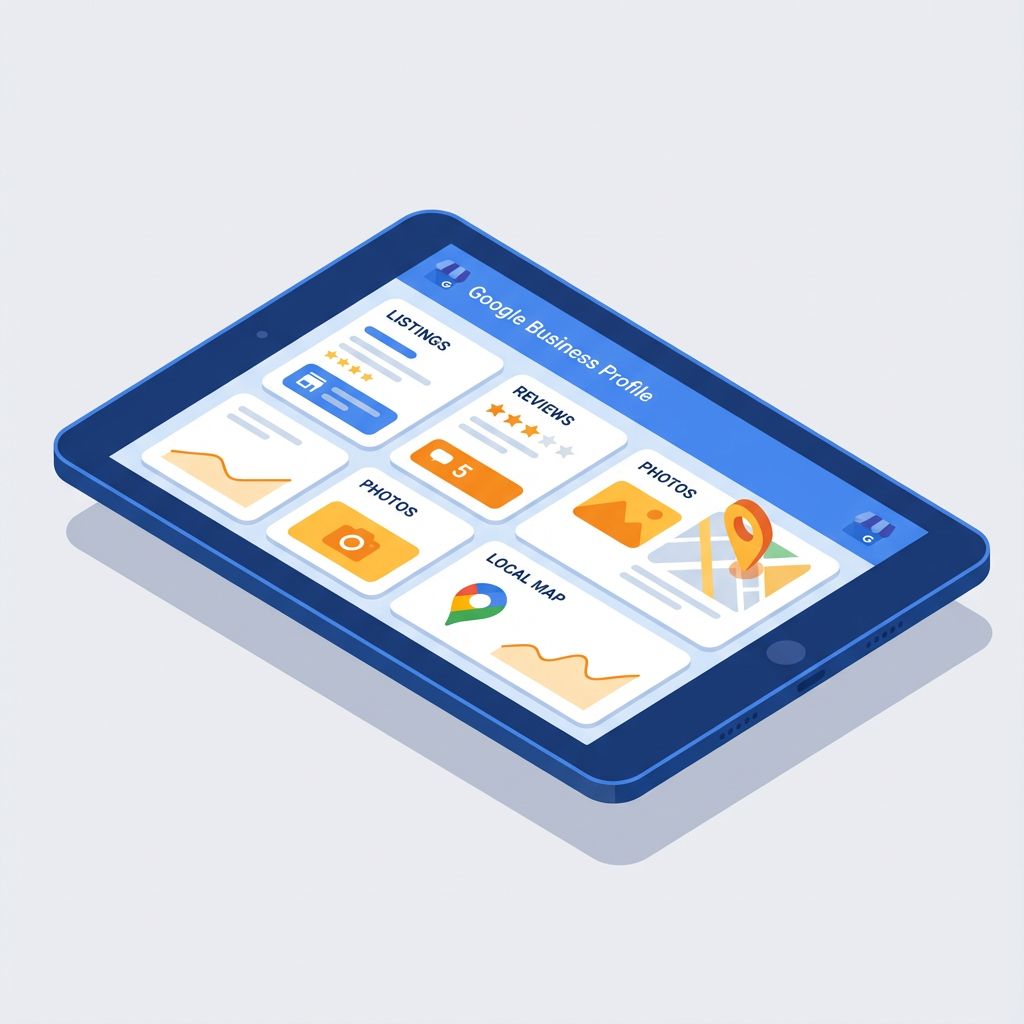
Optimizing your Google Business Profile is one of the fastest, most cost-effective ways to increase local visibility and drive real customers to your door. Done right, it improves search presence, boosts trust with prospects, and feeds the AI search ecosystem used by ChatGPT, Google SGE, and voice assistants.
Here’s the thing, the single boldest step is completeness. When your profile is fully filled out, verified, and actively maintained, it converts impressions into calls, clicks, and visits. Below I walk through the practical, tested steps that local businesses — especially dentists, medical practices, real estate pros, and service providers in Scottsdale and Phoenix — should implement today.
Why optimizing your Google Business Profile matters
- Local packs and map results drive a huge share of searches for services near me.
- A complete, optimized profile increases the chance of appearing in the local 3-pack and voice results.
- Google feeds profile content into AI-driven answers, so strong profiles help in ChatGPT/Bing Copilot/SGE results.
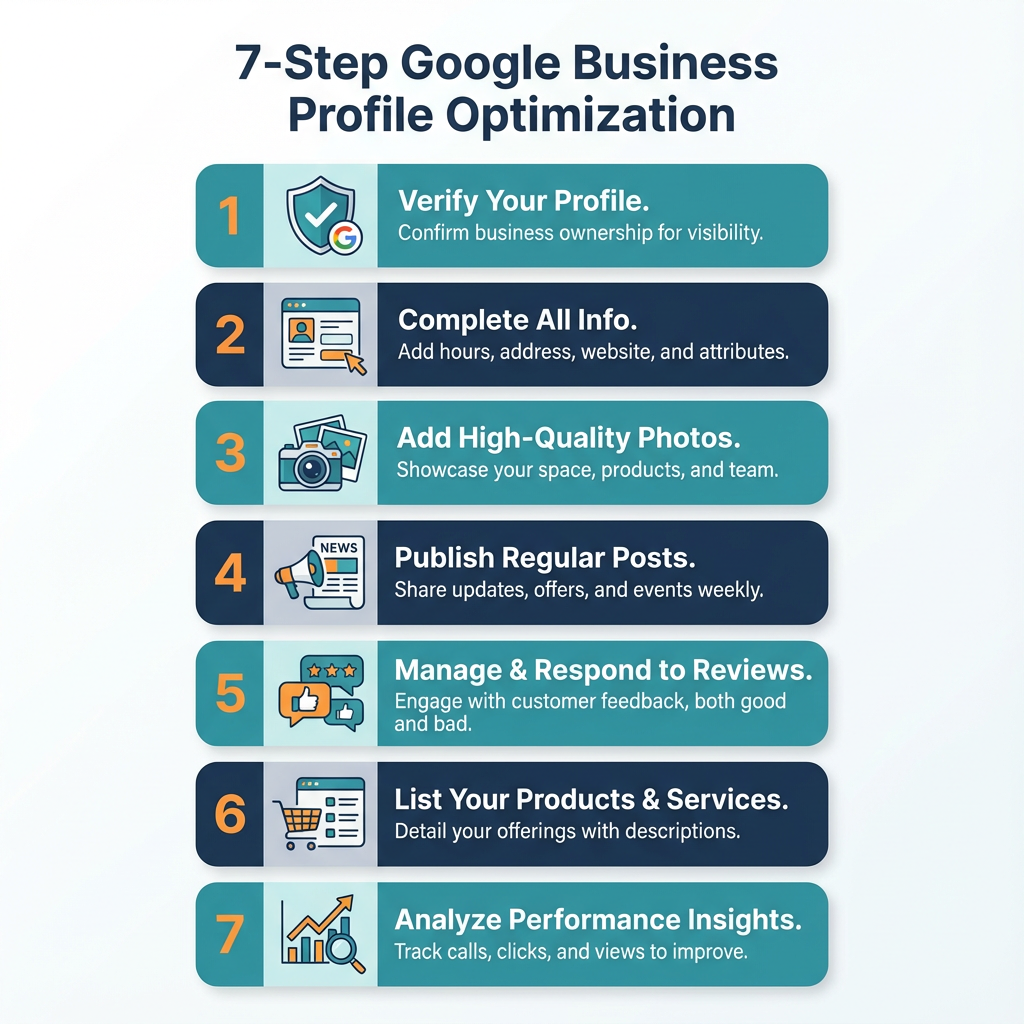
Step-by-step: Best way to optimize Google Business Profile
1. Claim and verify your profile
Claim ownership and complete Google’s verification process as soon as possible. Verification unlocks full editing rights and the ability to respond to reviews and post updates.
2. Fill out every field accurately
- Business name, exact address, and phone number must match your website and local citations. Use the same format everywhere. Use this clickable phone link: [tel:480-600-2477].
- Choose primary and secondary categories that describe core services. For dental clinics use "Dentist" then add specific services like "Cosmetic Dentistry."
- Add service areas if you serve multiple cities in Maricopa County.
3. Write a compelling business description
Use 150-300 words that explain what you do, who you help, and what sets you apart. Mention local signals such as neighborhoods you serve. Include the phrase best way to optimize google business profile naturally in website content and internal pages when it flows.
4. Add services, products, and attributes
List specific services and prices when possible. Use the Services and Products sections to structure offerings so Google can better match queries to your business.
5. Upload high-quality photos and videos regularly
- Cover photo, logo, interior, exterior, team, and before/after shots build trust.
- Use at least 5-10 photos, and add short videos (10-30 seconds) showing your location and team.
6. Collect and respond to reviews
- Ask satisfied customers to leave reviews with specifics about the service.
- Respond to all reviews promptly, professionally, and personally. This increases engagement and helps rankings.
7. Use Google Posts and Q&A strategically
- Post offers, events, and educational content weekly to keep the profile fresh.
- Monitor Q&A, answer common questions clearly, and pin useful answers.
8. Keep NAP consistent across the web
Ensure your Name, Address, Phone number, and business hours are identical across your website, directories, and social profiles. Consistency reduces confusion and improves local trust.
9. Track Insights and iterate
Monitor Google Business Profile Insights to see which queries, photos, and posts drive actions. Adjust your strategy based on what converts, then scale winning tactics.
Advanced tips for better local dominance
- Implement structured data (schema) on your website to reinforce business details.
- Use localized landing pages for high-value services, then link them from your profile and posts. See our localized SEO services at our SEO Services page.
- Tie Google Ads campaigns to your profile for immediate visibility and call tracking. Learn more about our Google Ads Management for Scottsdale businesses.
- Leverage GEO AI SEO tactics to optimize for AI-driven search results, which increases the chance of being surfaced in smart answers and chat responses. Explore our GEO AI SEO services for more.
Common mistakes to avoid
- Using inconsistent business names or phone numbers across listings.
- Ignoring reviews or deleting negative ones without a thoughtful response.
- Forgetting to add or update business hours for holidays and special events.
- Relying on old photos; fresh images show ongoing activity.
Local SEO checklist (quick)
- Claim and verify profile
- Complete every field
- Add 10+ high-quality photos
- Publish weekly posts
- Collect and reply to reviews
- Maintain consistent NAP
- Monitor Insights and update monthly
Summary
Optimizing your Google Business Profile is a continuous, high-leverage activity for local search. Focus on completeness, consistent information, quality photos, active review management, and regular posts. Combine these with GEO AI SEO and targeted ads for fastest, most reliable growth.
Frequently asked questions
How long until I see results after optimizing my profile?
You can see changes in clicks and calls within days, but ranking improvements in the local pack often occur over 2–12 weeks depending on competition and citation quality.
What’s the best way to get more Google reviews?
Ask at the point of service, make it easy with direct links, follow up with a friendly reminder email, and respond to every review to show appreciation.
Should I use the exact keywords in my business name?
Avoid keyword stuffing in your business name. Use the actual business name and optimize with categories, descriptions, services, and posts instead.
How often should I post updates on my profile?
Aim for weekly posts. Regular posting keeps your profile active and gives Google fresh signals about your business.
Can I manage multiple locations from one account?
Yes, use Google Business Profile Manager to manage multiple locations and keep each profile consistent and optimized.
Do photos really impact rankings?
Yes. Profiles with more and higher-quality photos get more clicks and customer actions, which indirectly helps visibility.
Want help? Work with a local specialist
If you’d rather not manage every step yourself, Bemo Design offers hands-on Google Business Profile optimization as part of our local SEO and GEO AI SEO services. We help businesses in Scottsdale and Phoenix improve visibility and convert more local customers. Book a consultation today: https://calendly.com/bemodesign or call us at [tel:480-600-2477]. You can also run a Free AI SEO Audit to see immediate opportunities.
Next steps for your business
- Verify your profile now, then complete every field.
- Add 10 fresh photos and write two posts this month.
- Start asking for reviews today and respond to each one.
About Bemo Design
Bemo Design is a Scottsdale-based marketing agency led by Brian Bemo, delivering high-impact SEO, Google Ads, and AI-powered marketing strategies for businesses of all sizes. With over 25 years of experience, Bemo Design helps companies grow through trusted, hands-on service, transparent communication, and measurable results.
We specialize in helping Arizona businesses dominate online search and future-proof their visibility across Google, Bing, and AI-driven platforms like ChatGPT and Google SGE.
Our Top Services:
- SEO Services – Proven strategies to increase visibility and attract high-intent customers.
- GEO AI SEO – Generative Engine Optimization for ChatGPT, Google SGE, and AI-driven search results.
- Google Ads Management – Precision-targeted campaigns designed for conversions and ROI.
- Web Design – AI-optimized, mobile-friendly WordPress sites built to perform.
- Website Redesign – Modern updates that improve performance, SEO, and conversions.
- Logo Design & Branding – Visual identity that builds trust and recognition.
- Graphic Design & Print – High-quality creative design for web and print materials.
Ready to Grow?
📞 Call (480) 600-2477 or Book a Call with Bemo to get started.
You can also run a Free AI SEO Audit to see how your website ranks and what opportunities you’re missing.