Urgent Website Redesign for Better Conversions: A Practical Plan

Fix It Fast: Why You Need an Urgent Website Redesign Now
Picture this: you wake up to an email that a high-intent landing page is losing leads, and your Google Ads cost per lead just spiked. You call a meeting, and everyone asks the same question, what do we change first? For small to mid-sized businesses, professional service providers, and established brands in Scottsdale, Phoenix, and Maricopa County, this moment is common and fixable.
I want to be blunt. If your site was built more than three years ago and it still behaves like a brochure, you are leaking revenue. That is why an urgent website redesign for better conversions makes sense, especially for dental and medical practices, real estate teams, and local service businesses that rely on appointment bookings and lead forms. Day 9 content for EARLY stage business often recommends prioritizing immediate conversion wins while you plan a longer roadmap. Here is a practical, prioritized plan you can use today.
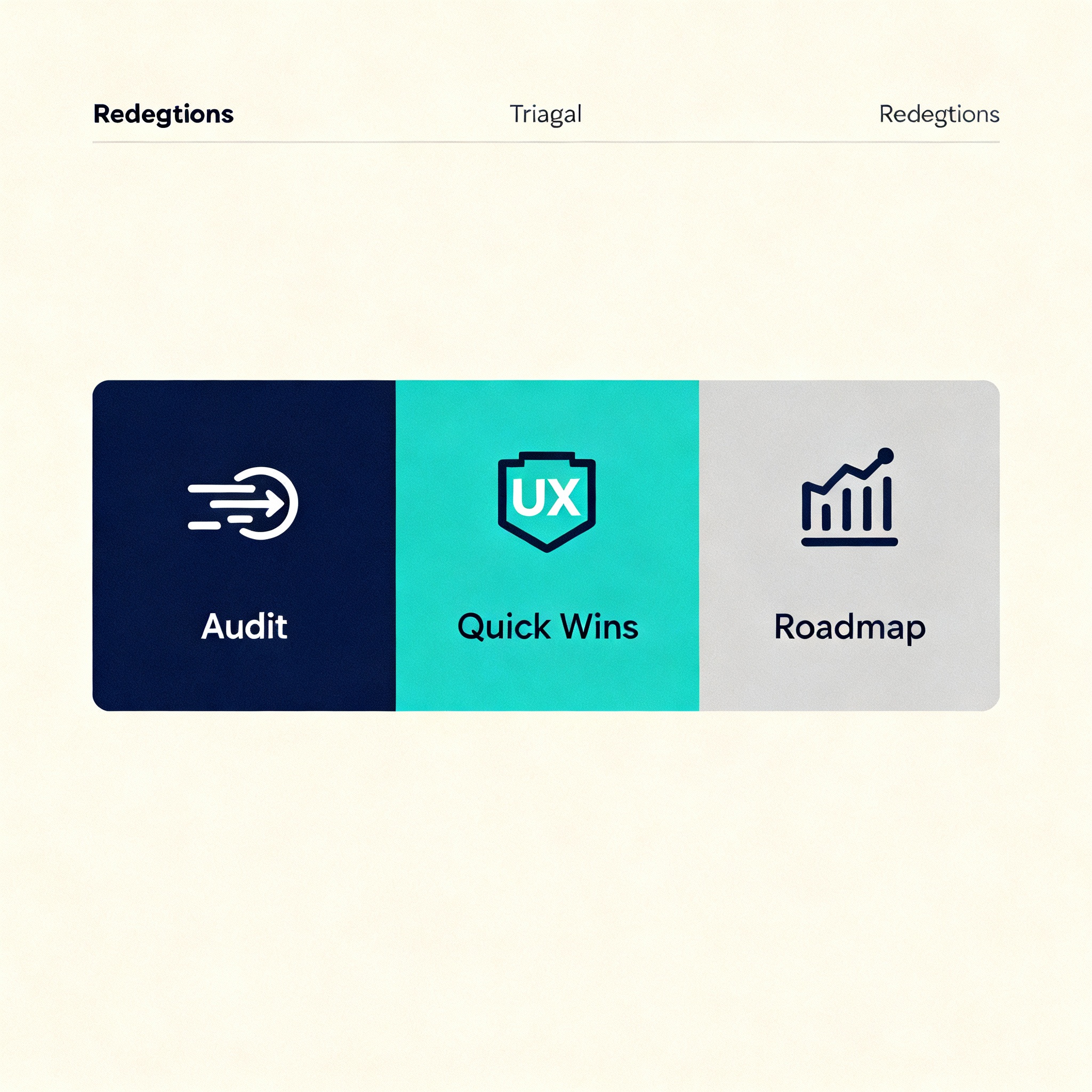
Urgent Website Redesign for Better Conversions: 8-Step Rapid Response Plan
1. Quick Triage Audit, 30 to 90 minutes
- Run a speed check with Google PageSpeed Insights and note mobile score first. See tool here: Google PageSpeed Insights.
- Scan for obvious UX blockers: hidden contact info, broken forms, autoplay videos, intrusive popups.
- Check Core Web Vitals and prioritize Largest Contentful Paint and Interaction to First Input Delay. Reference: Google Search Central: Core Web Vitals.
Actionable takeaway: if mobile score is under 50, treat speed fixes as priority number one.
2. Secure the Low-Hanging Conversion Wins
- Make contact options ultra-visible: phone click-to-call, simplified booking, and one persistent CTA.
- Replace long multi-step forms with single-step forms or progressive fields.
- Add a clear value statement above the fold and one social proof element nearby, such as a short testimonial or review snippet.
Why this works: small changes like a visible phone button and fewer fields can move the needle quickly. HubSpot and other CRO studies show UX simplicity correlates with higher conversions. Read more: HubSpot on Conversion Rate Optimization.
3. Fix Tracking and Attribution, Fast
- Confirm Google Analytics and Google Ads conversions are firing correctly.
- Use Tag Assistant or QA tools to ensure no duplicate events, and that goal URLs or events match your actual thank-you pages.
Quick win: without good tracking, you cannot tell which changes work. Fix this first, then iterate.
4. Prioritize Mobile UX and Local Signals
- For local businesses, ensure Google Business Profile and NAP consistency. Optimize your GBP for services and booking links: Google Business Profile Help.
- Make mobile navigation thumb-friendly and remove off-canvas friction.
Tip: Local consumers expect instant information, especially for urgent services. Make it one tap to call or book.
5. Conversion-Focused Content and Messaging
- Rewrite headlines to lead with benefit, not feature.
- Use clear CTAs: Schedule, Call Now, Get a Quote. Test variations.
- Add microcopy that reduces friction, such as "No insurance required" or "Same-day appointments available."
Example: a Scottsdale dental clinic swapped vague CTAs for "Book New Patient Exam" and saw immediate lift in clicks to booking.
6. Technical Cleanup That Pays Immediately
- Remove unused plugins and compress images, ideally using next-gen formats like WebP.
- Implement critical CSS and lazy load below-the-fold images.
- Ensure forms have server-side validation and fast submission endpoints.
Resources: best practices for speed and images: Web.dev Performance.
7. CRO Experiments You Can Start This Week
- A/B test hero headline and CTA color, not everything at once.
- Experiment with an urgency element, such as limited-time offers or countdowns for consultations.
- Test social proof placement: above the fold vs inside the form area.
Keep tests small and measurable. Use Google Optimize alternatives or your Ads platform experiments for rapid validation.
8. Roadmap: Design, SEO, and Paid Media Alignment
- Move from triage to a 90-day redesign plan that incorporates SEO, AI search optimization, and Google Ads alignment.
- Include GEO AI SEO tactics for local intent, and map high-value landing pages to your PPC campaigns.
- Consider Generative Engine Optimization for FAQ content and conversational search behavior.
Further reading on keyword and local strategy: Moz Local SEO Guide.
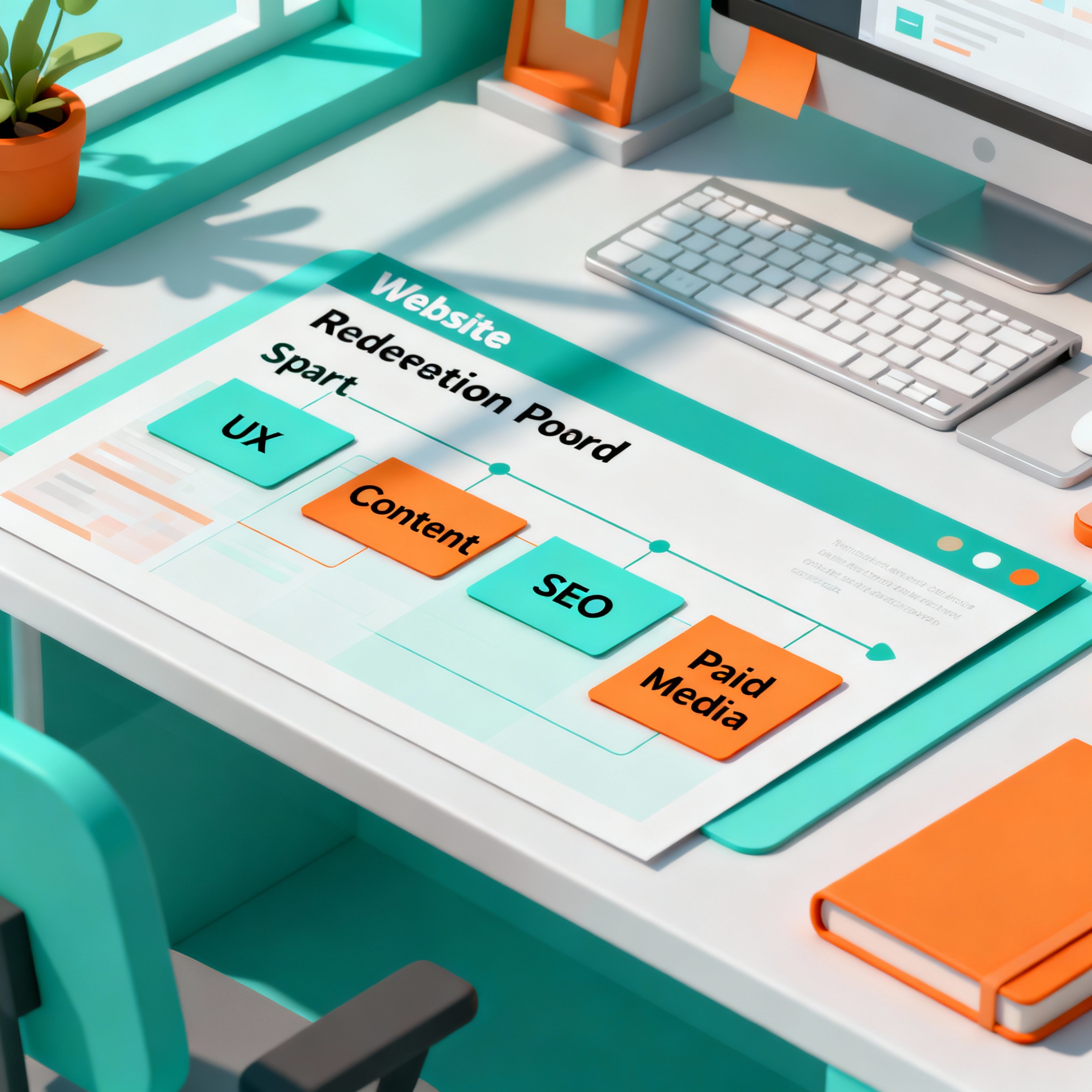
Quick Conversions Checklist: What to Fix in the First 72 Hours
- Mobile PageSpeed under 50, implement image compression and caching.
- Phone number obvious and clickable on every page.
- Simplify forms to two fields or add progressive form logic.
- One clear above-the-fold CTA on each landing page.
- Validate tracking and fix broken thank-you pages.
Answers to Common Pushbacks
You may hear: "A redesign will cost too much" or "We do not have time." Here is the thing, you do not need a full redesign to get ROI. A conversion-focused triage gets you measurable wins, then you fund the larger redesign from performance gains. Think of the urgent redesign as triage and investment, not a cosmetic rewrite.
How This Ties to Paid Media and SEO
- Align landing page messaging to Google Ads copy for higher Quality Score and lower CPC. See Google Ads best practices: Google Ads Help.
- Create geo-targeted landing pages for Phoenix, Scottsdale, and surrounding Maricopa County ZIP codes to improve local relevance.
- Use structured data for local business and service pages so search engines can surface key info faster.
Little Stories, Big Proof
One local dental practice in Phoenix cut their new patient form from seven fields to two and added a click-to-call header. They reported faster appointment bookings in the same month. Small UX moves like that pay quickly when they remove friction.
Final Checklist Before You Launch Changes
- Back up the site fully.
- Test forms and booking flows on multiple devices.
- Validate analytics and ads conversions.
- Communicate changes to customer service and staff so they can handle new leads.
Conclusion and Next Steps
If you are seeing falling conversions, slower paid performance, or rising bounce rates, do not wait. Start with a rapid triage, secure quick wins, then build a prioritized redesign roadmap that aligns UX, SEO, and paid media. For dental, medical, real estate, and local service providers in Scottsdale and Phoenix, this approach delivers measurable ROI fast.
Want a quick audit checklist I can run and return in 24 to 48 hours? Tell me your site URL and three priority pages and I will outline the top five fixes you can apply immediately.
"Redesign is not about how pretty it looks, it is about how well it performs."